TikTok Live gift sounds: a complete setup guide
How to trigger custom sound effects when viewers send TikTok gifts, which gifts to map first, and how to keep the audio from becoming noise.
 BoTik Team3 min readUpdated August 29, 2026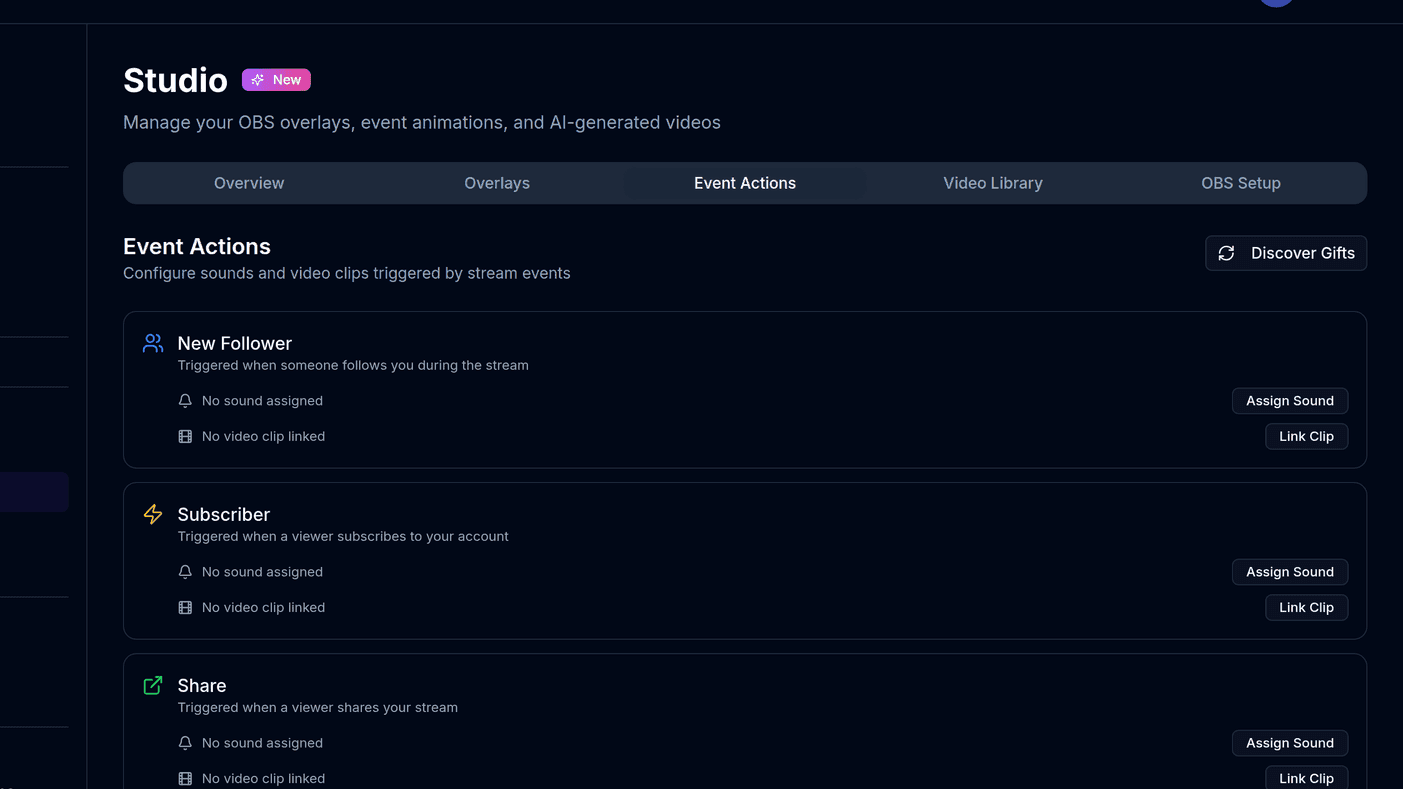
A gift with no audible reaction is a missed moment. Sound effects tied to specific gifts give viewers immediate feedback that you noticed, even when you are mid-sentence and cannot thank them by name.
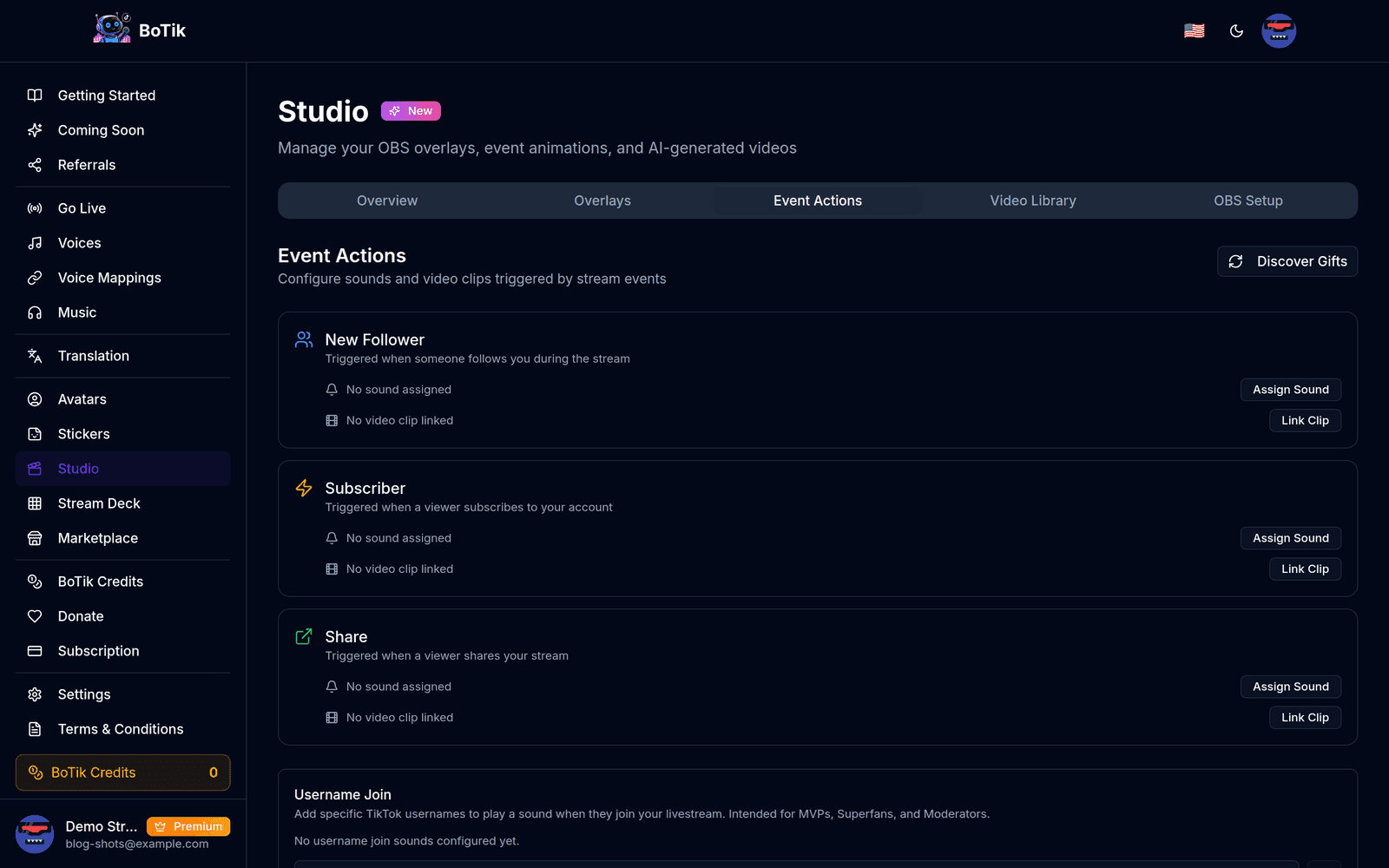
Start with the gifts you actually receive
TikTok has a long gift catalogue and mapping all of it is wasted effort. Look at your last few streams, find the five or six gifts that account for most of your volume, and map those.
For most streamers that means the cheapest, most frequent gift plus one or two mid-tier ones. Map the rare expensive gifts too — those deserve a distinctly bigger reaction — but leave the long tail alone.
Tip
Three tiers is enough: a short cue for the common gift, something warmer for mid-tier, and one genuinely dramatic sound reserved for your highest-value gift. More tiers than that and viewers stop being able to tell them apart.
Choosing sounds that survive repetition
- Keep frequent-gift sounds under a second. Anything longer stops being a cue and becomes an interruption.
- Avoid sounds with a long tail or heavy reverb — they smear into whatever you say next.
- Reserve one dramatic sound for your top gift and do not use it anywhere else. Its value is entirely in being rare.
- Test at stream volume, not desk volume. A sound that is punchy in headphones can vanish under background music.
Watch out
Do not use copyrighted music clips. A recognisable few seconds is enough to get a stream muted or taken down, and the sound was never the reason anyone was watching.
Layering with text-to-speech
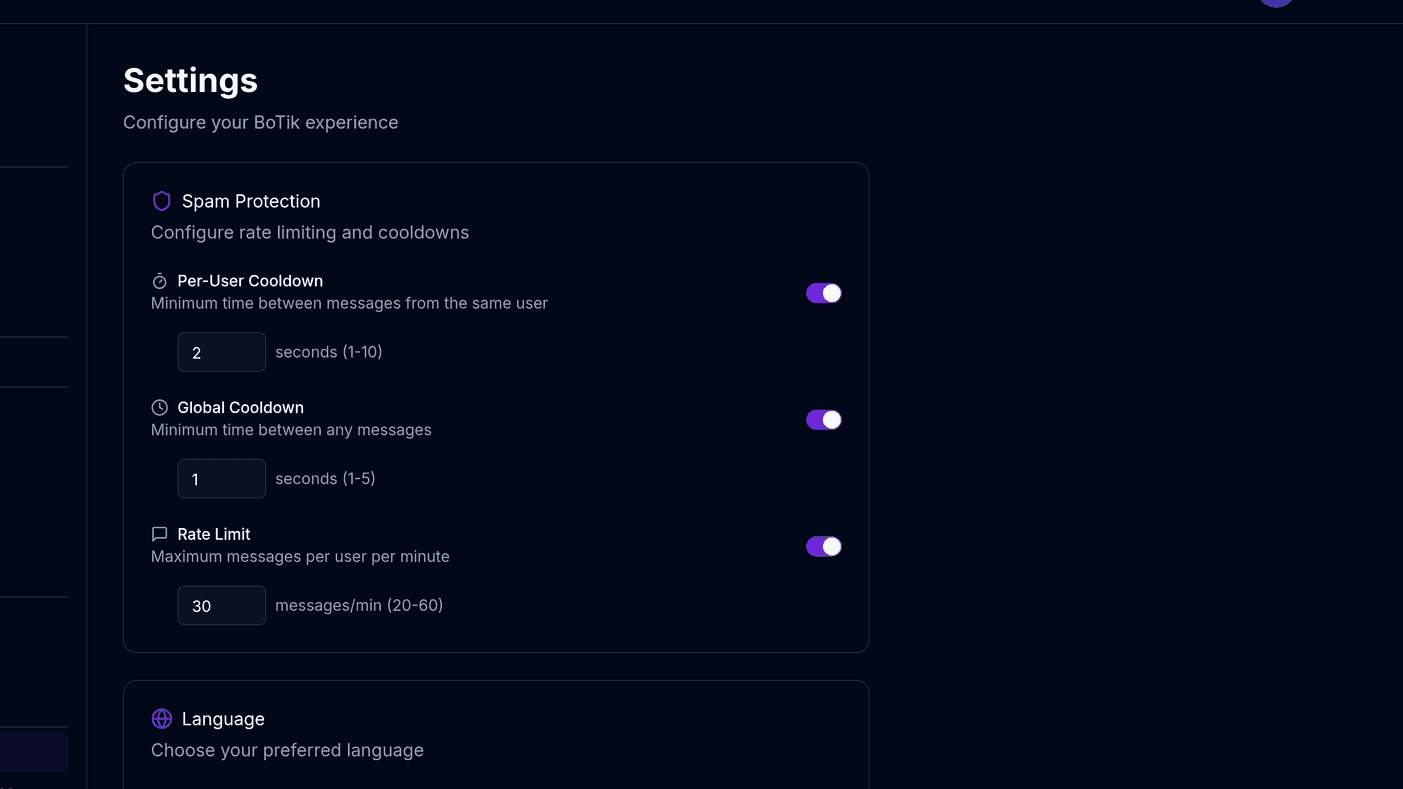
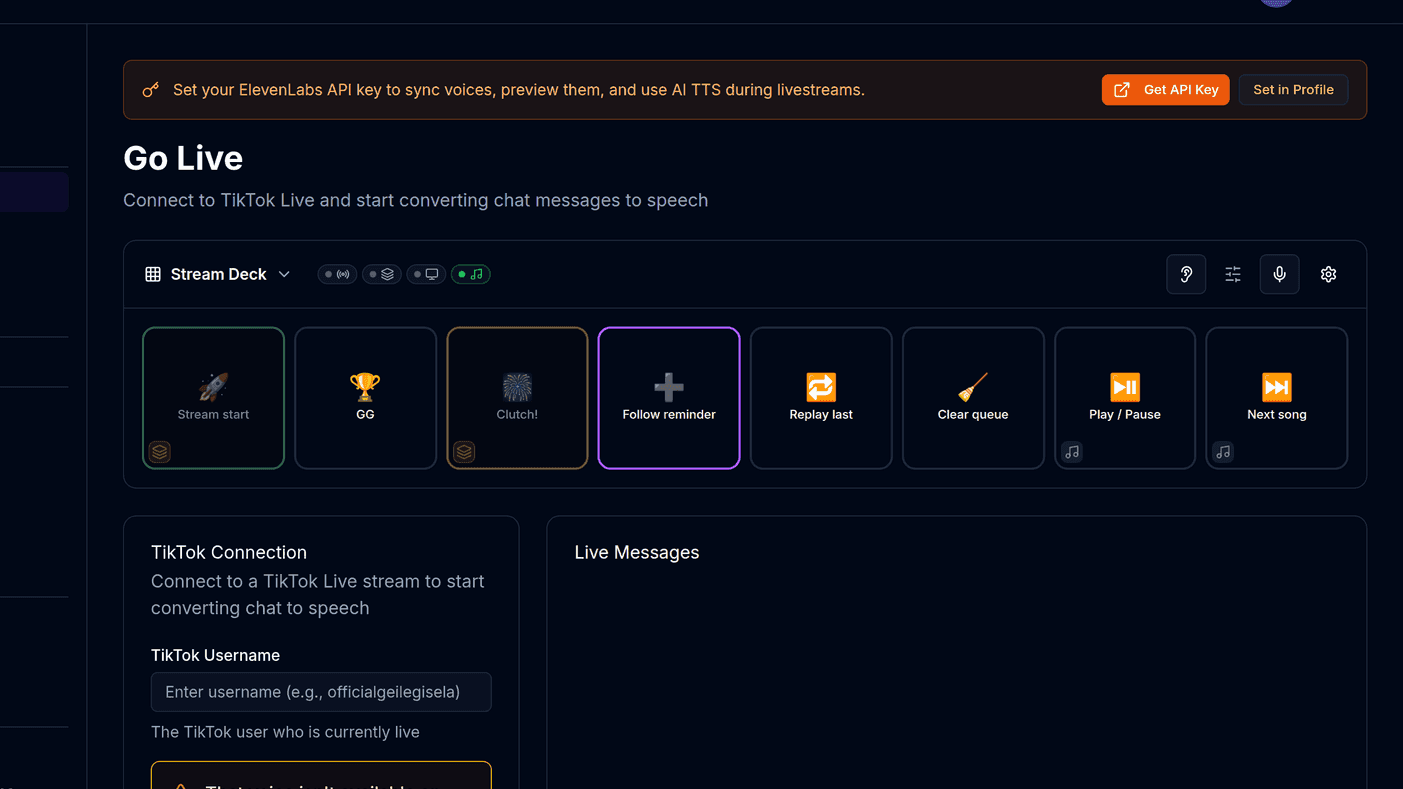
If you also read chat aloud, gift sounds and speech compete for the same channel. The fix is prioritisation: let gift audio interrupt or duck the speech queue rather than queue behind it. A thank-you that arrives forty seconds after the gift is worse than none.
What a gift should trigger, in order
Gift arrives
Sound effect
immediate
Overlay reaction
wheel, fireworks, leaderboard
Chat speech resumes
Keep gift sounds and chat speech at noticeably different volumes so viewers can tell them apart without looking at the screen.
Pair the sound with something visible
Audio alone rewards the people listening. An overlay rewards everyone, including viewers watching muted — which on TikTok is a lot of them.
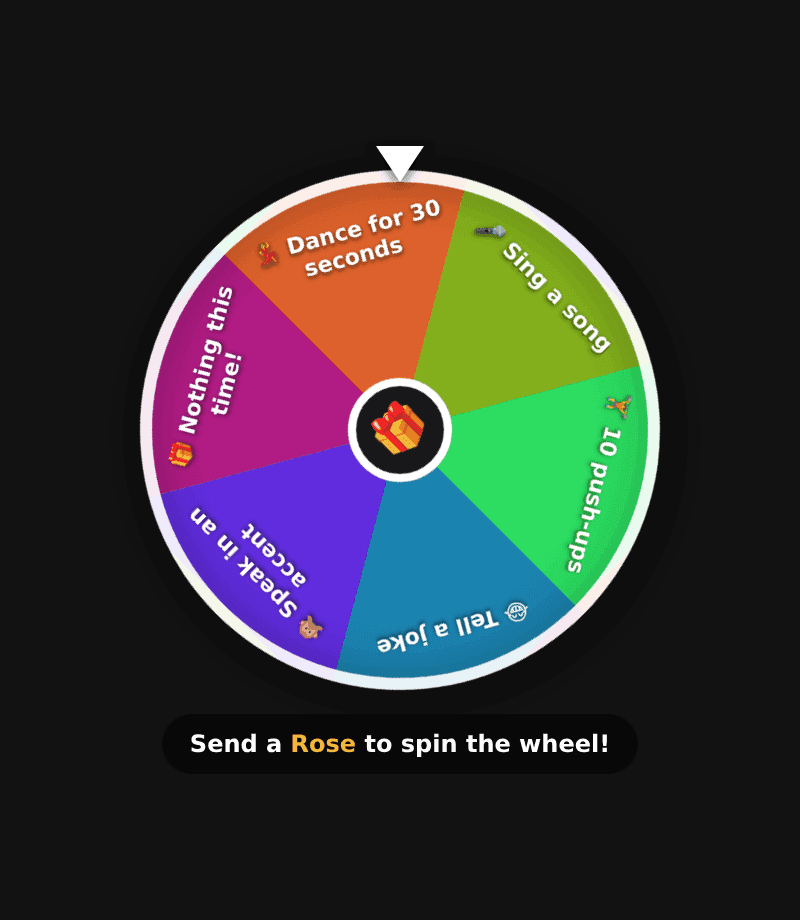
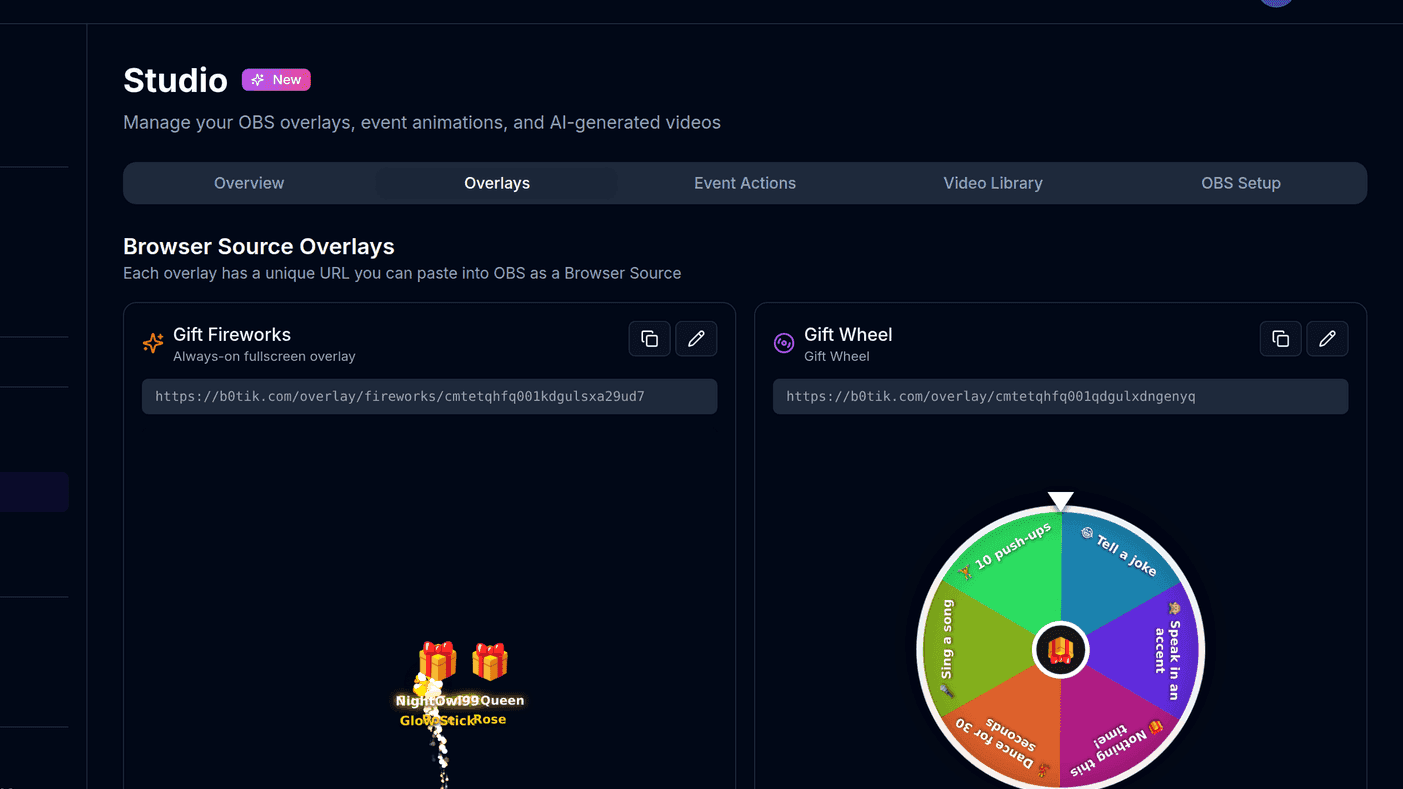
The Gift Wheel and Gift Leaderboard overlays are the two that pair best with gift sounds: one gives an immediate outcome, the other gives a reason to send the next one.
Common mistakes
- Mapping every gift to something loud, so nothing stands out.
- Using copyrighted music clips, which can get your stream muted.
- Forgetting to re-test after changing your audio routing — gift audio often ends up playing on a device your stream does not capture.
- Never revisiting the mapping. The gifts you receive change as your audience does.