
BoTik Blog
Guides for TikTok Live streamers — text-to-speech, overlays, OBS, the Stream Deck, voices and more.
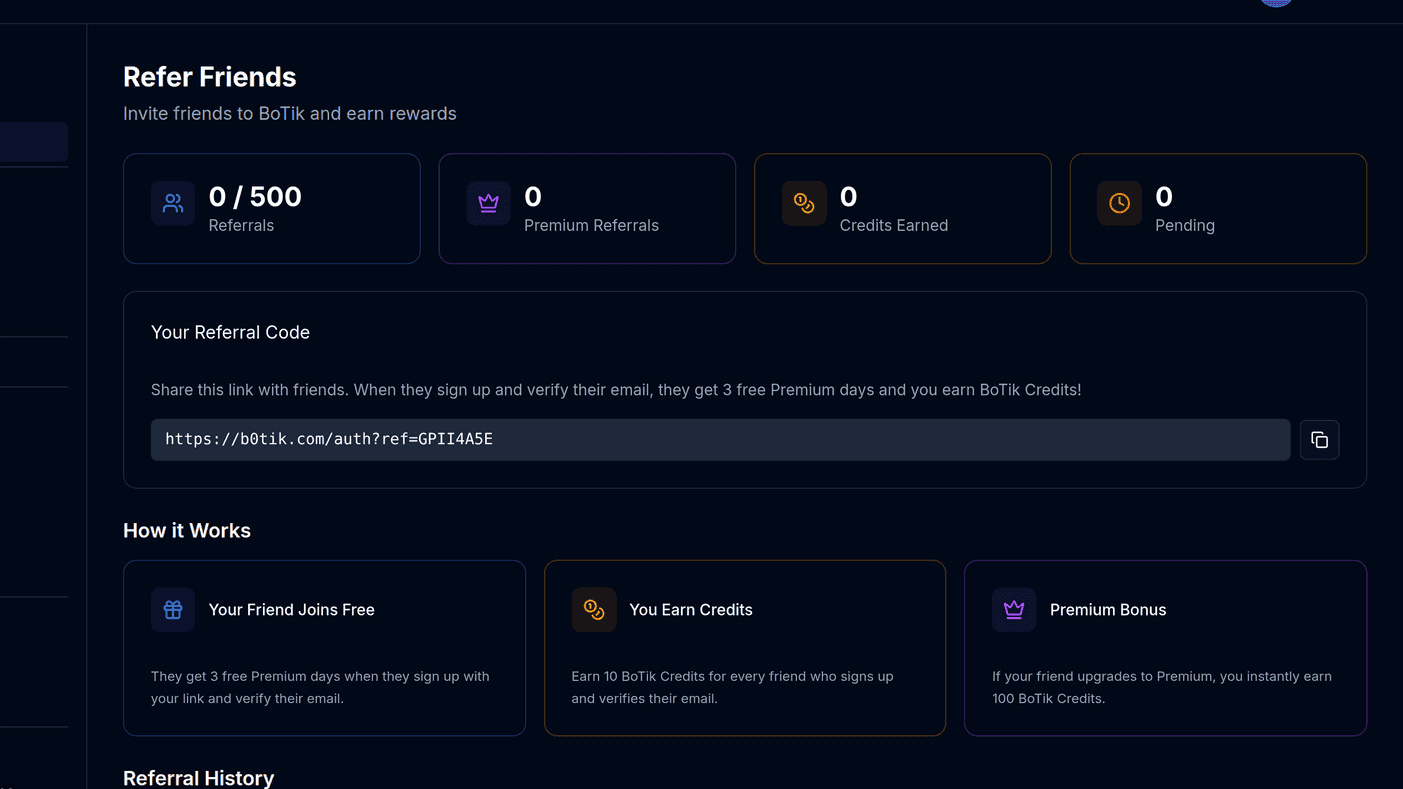
How to earn BoTik Credits with referrals
BoTik Credits pay for avatars, sticker packs and AI lines. How referrals earn them, what each one is worth, and the anti-fraud rules worth knowing.
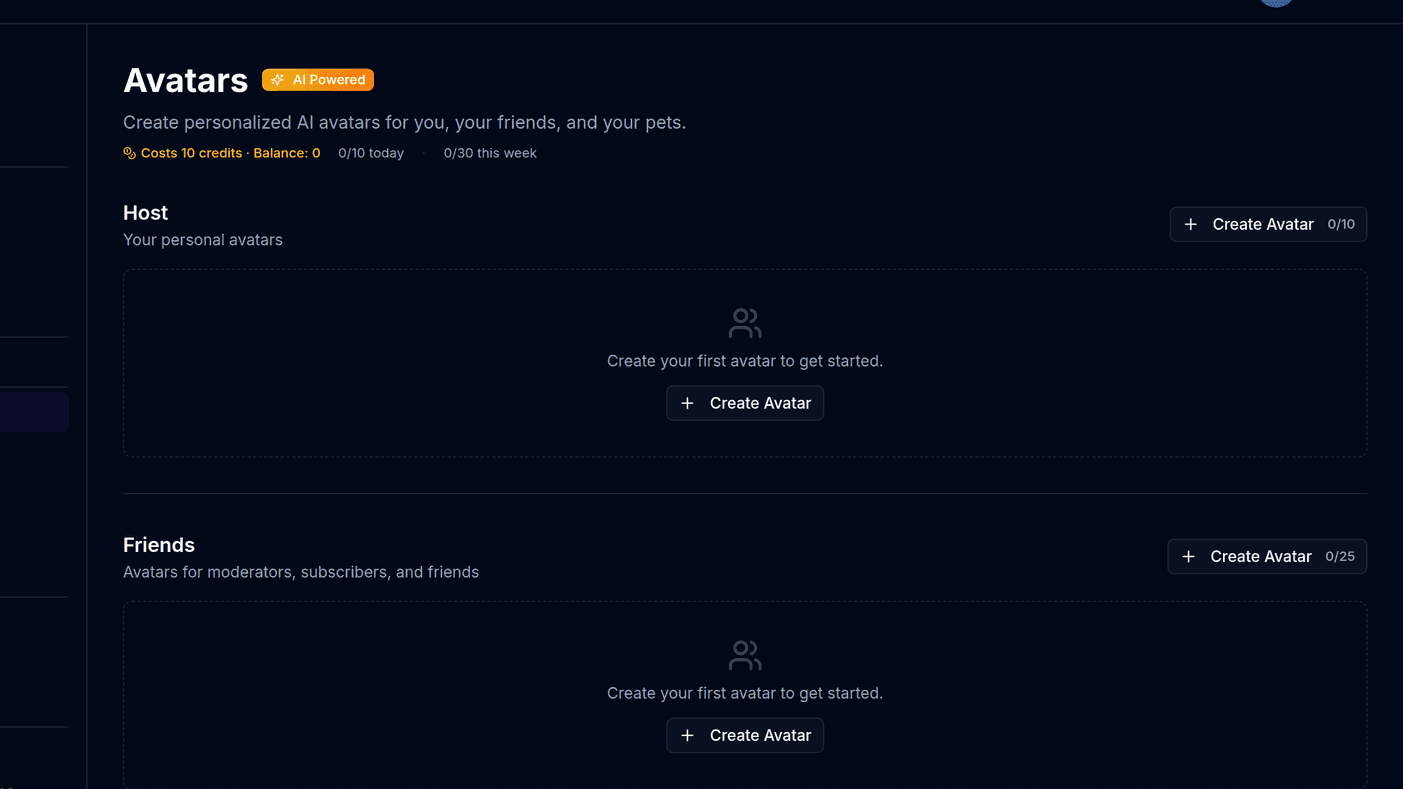
How to create AI avatars and sticker packs in BoTik
Generate a character avatar in nine styles, then turn it into a sticker pack of expressions. Styles, credit costs, quotas and how to get a usable result first time.
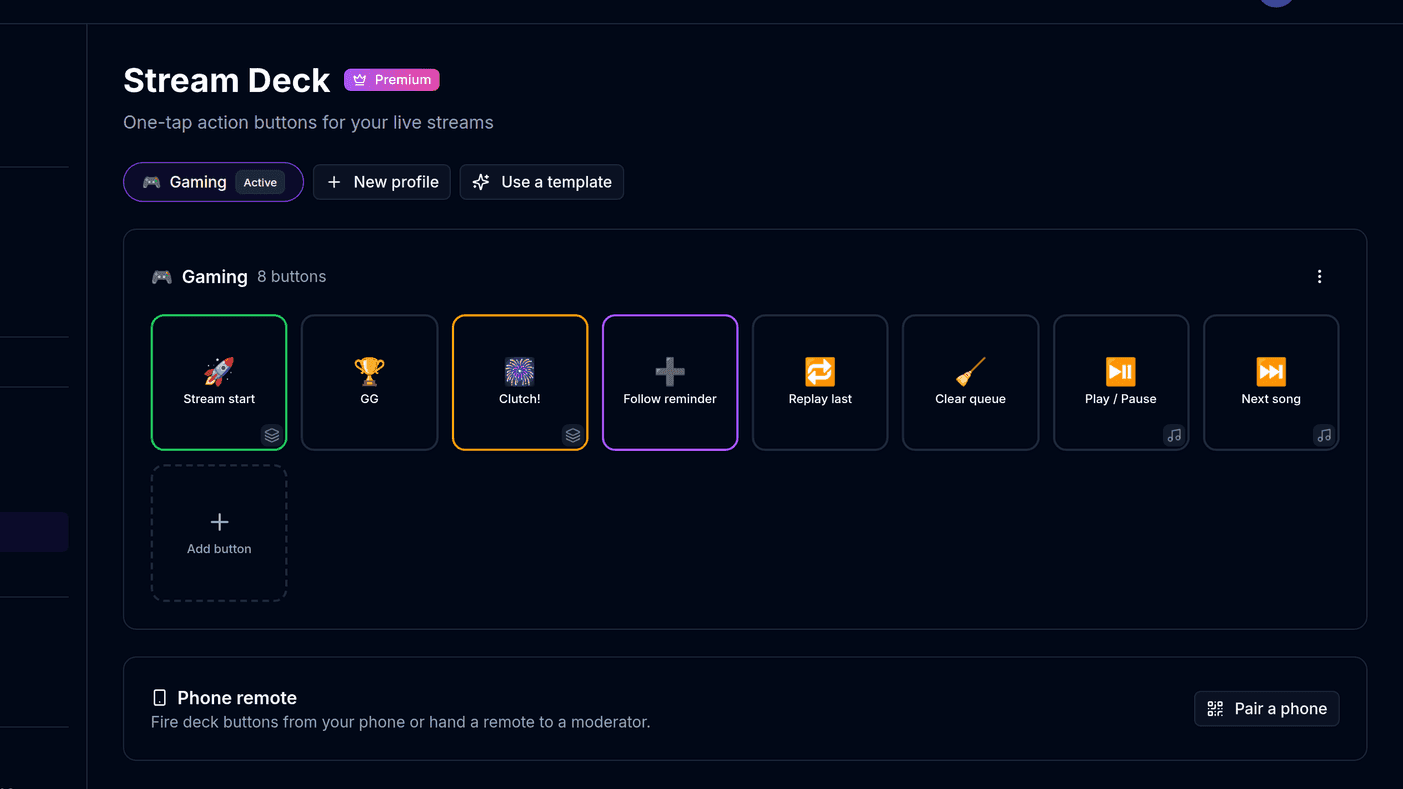
The BoTik Stream Deck: a complete guide
Build a grid of one-tap buttons for sounds, scenes, music and AI lines — then run it from your phone. Profiles, actions, visibility rules and voice control.
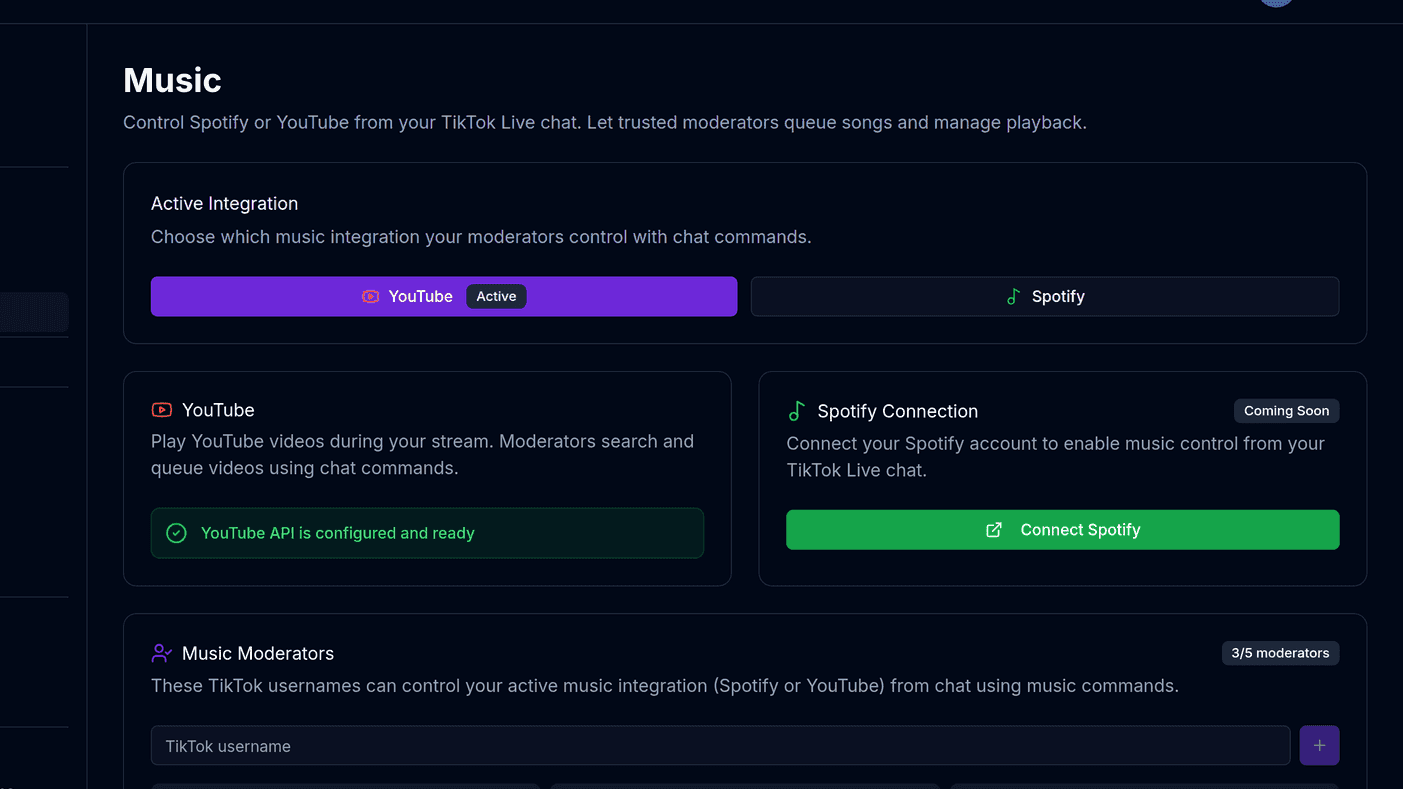
Music on stream: the player, chat commands and music moderators
Connect Spotify or YouTube, let chat request songs with !queue, and hand the controls to a short list of trusted viewers without losing the room.
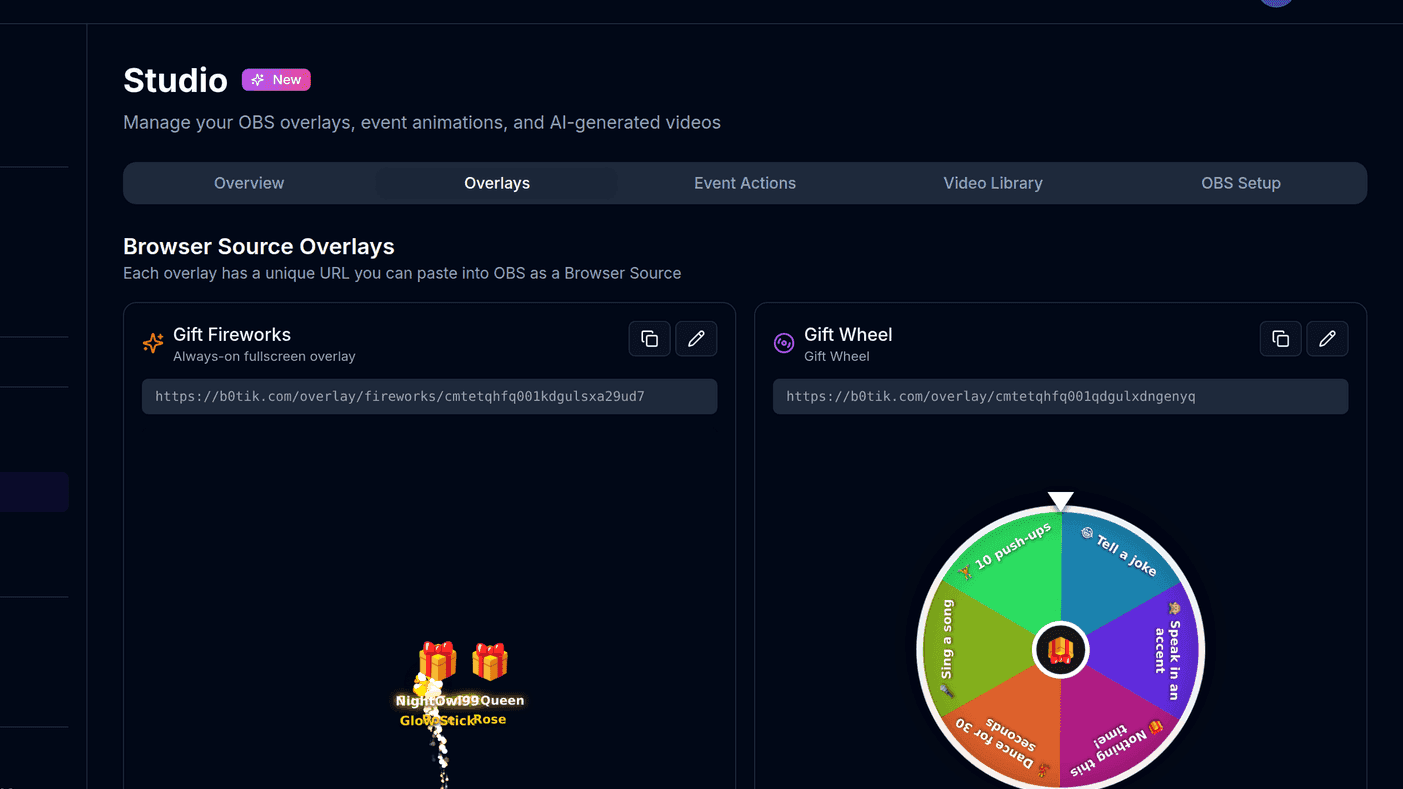
How to use BoTik overlays on your TikTok Live
Add gift wheels, leaderboards, goal banners and alerts to your stream as OBS browser sources — what each overlay does and the settings that matter.
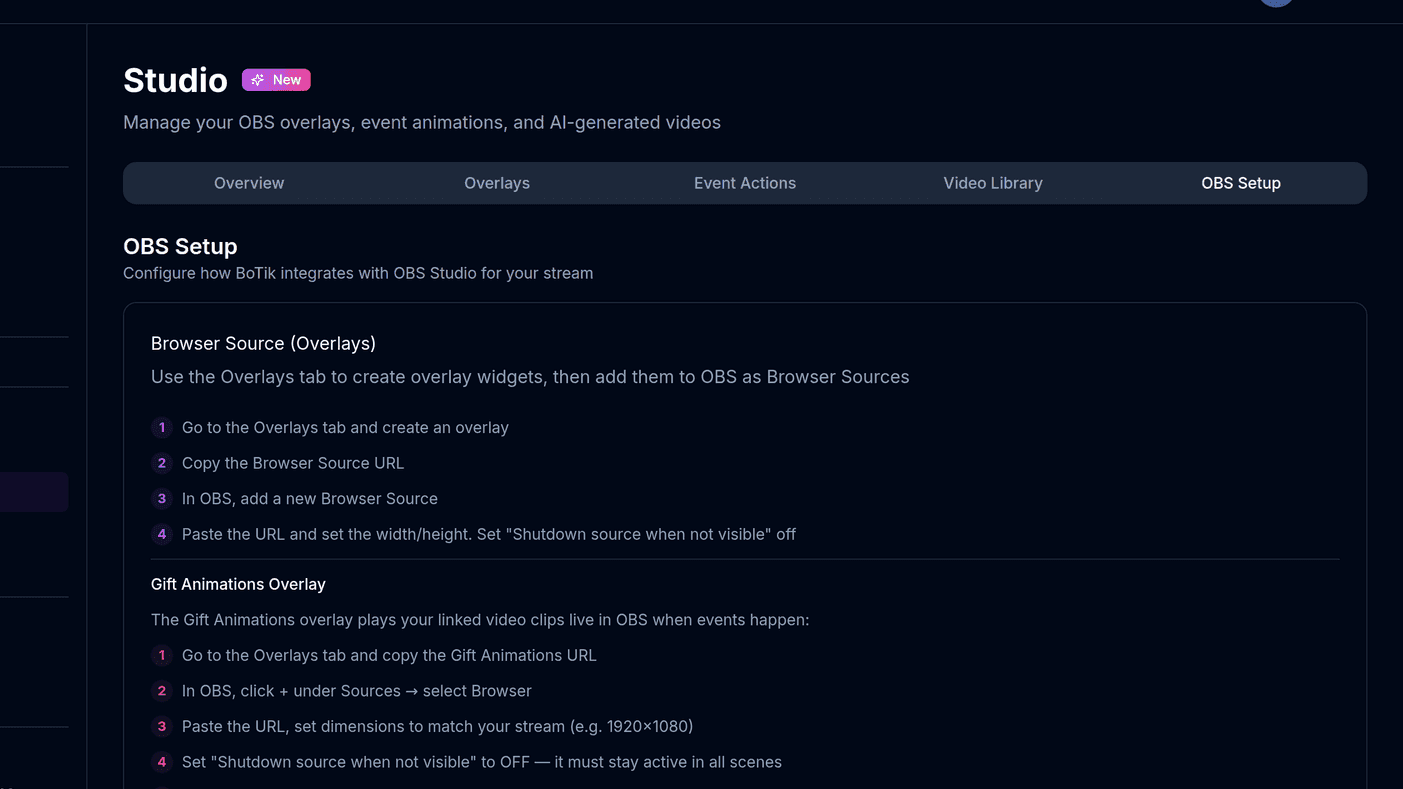
How to connect OBS to BoTik
Two ways to link OBS and BoTik: browser sources for overlays, and the optional WebSocket connection that lets you switch scenes from your Stream Deck.
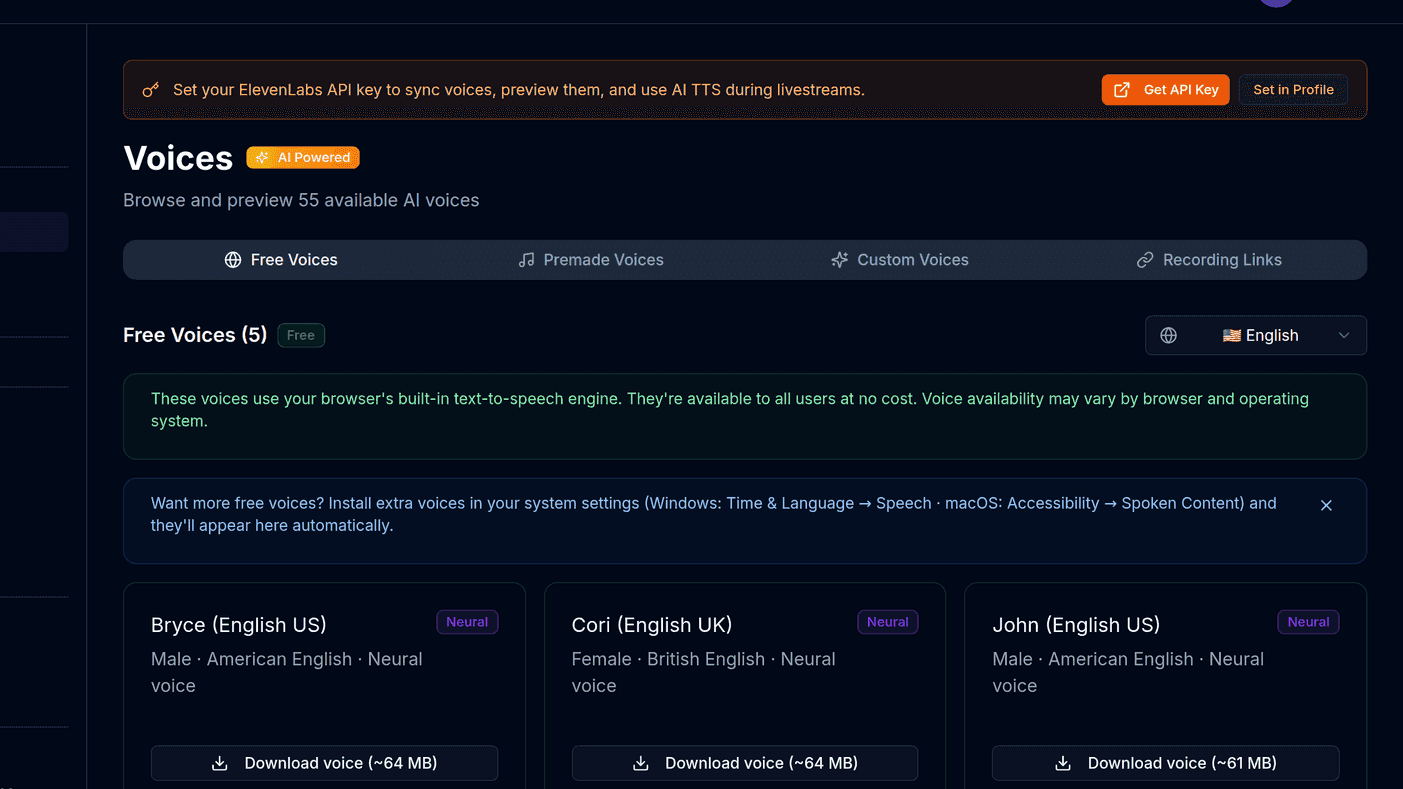
What is ElevenLabs, and how do you connect it to BoTik?
ElevenLabs is the AI voice engine behind BoTik’s best-sounding voices. How to create an API key, avoid the mistake that breaks it, and sync your voices.
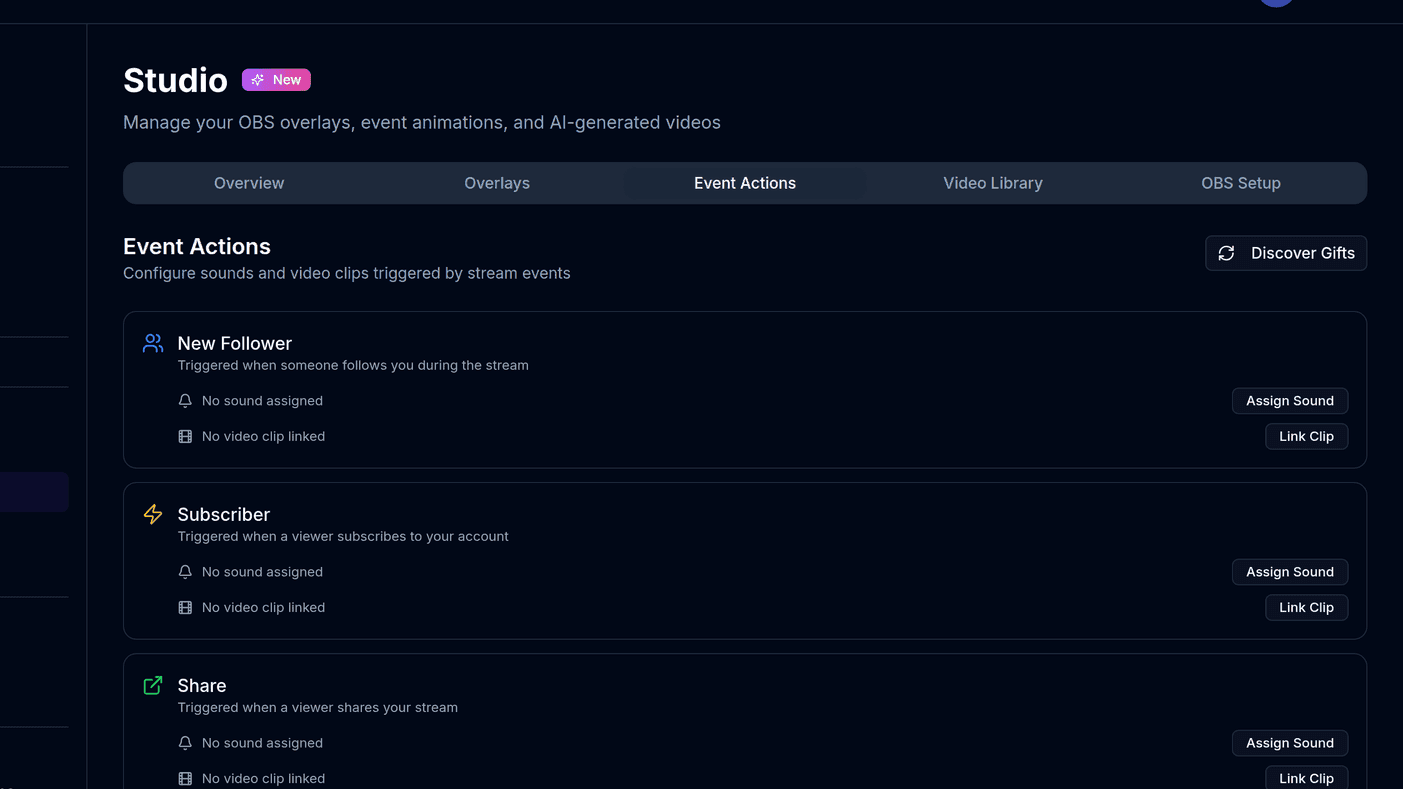
TikTok Live gift sounds: a complete setup guide
How to trigger custom sound effects when viewers send TikTok gifts, which gifts to map first, and how to keep the audio from becoming noise.
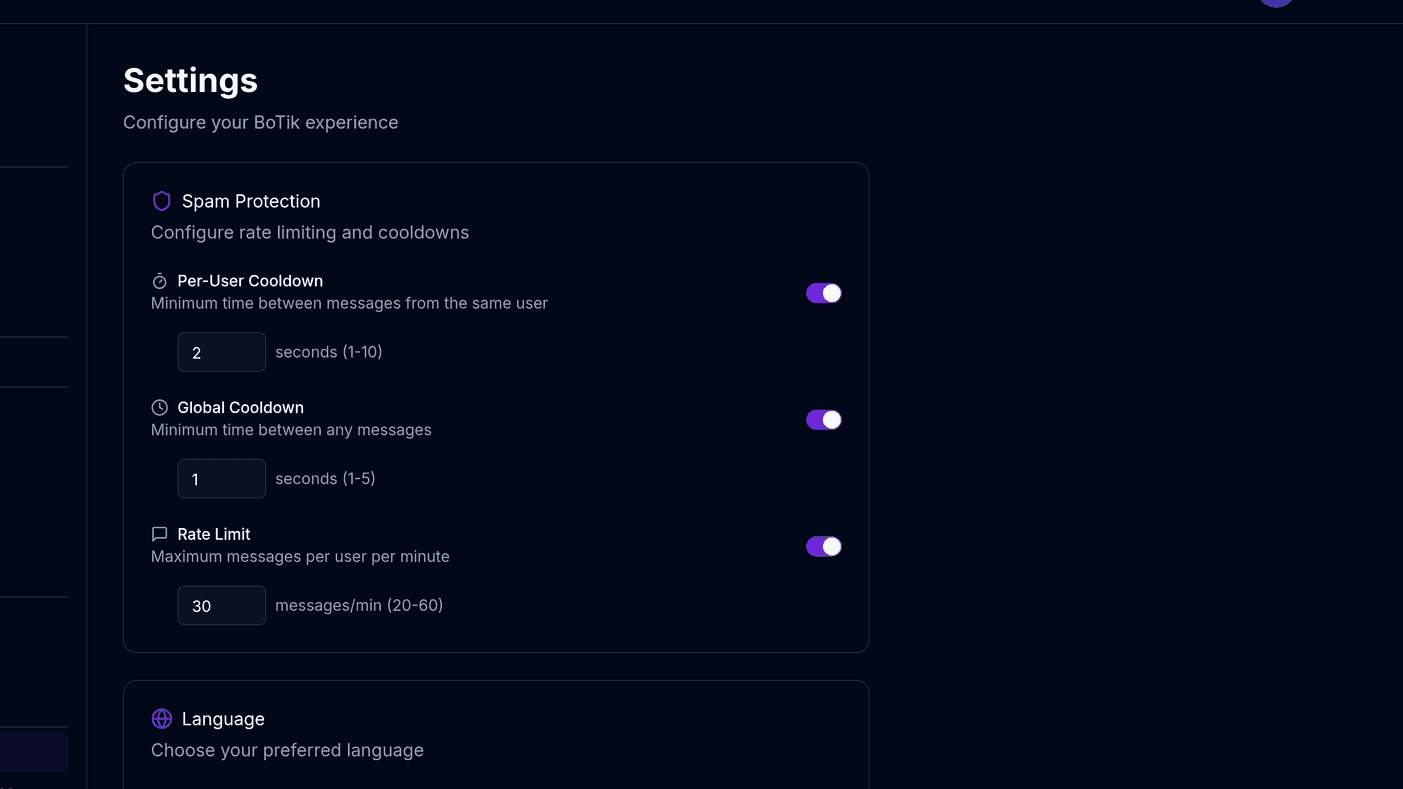
Keeping text-to-speech spam-free on TikTok Live
Practical moderation settings for streams that read chat aloud — cooldowns, rate limits, filters, and what to do when a raid arrives.
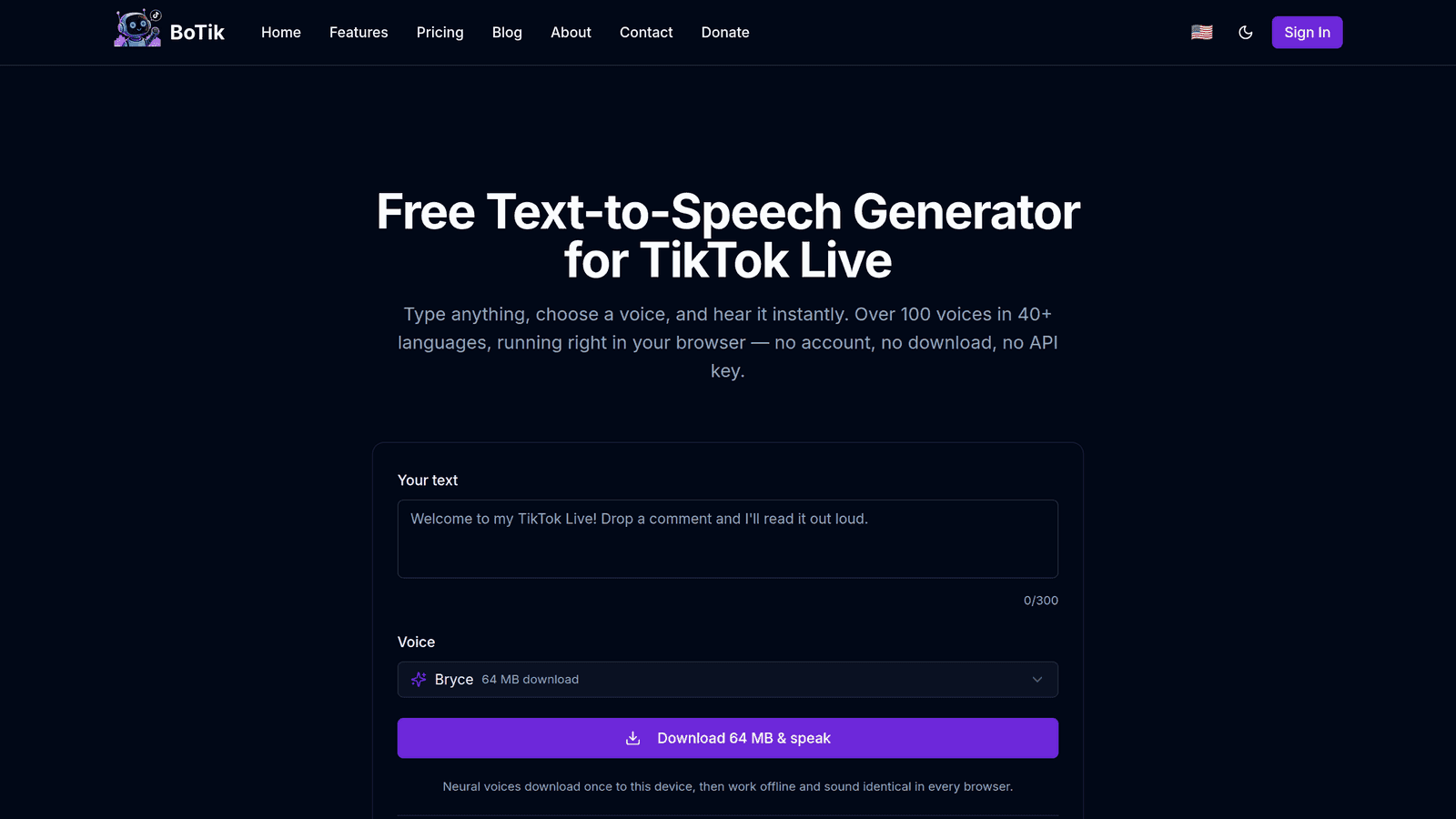
Choosing a TikTok Live TTS setup: browser, cloud or desktop bot
The three ways to read TikTok Live chat aloud, what each costs in money and setup time, and how to decide which one fits your stream.
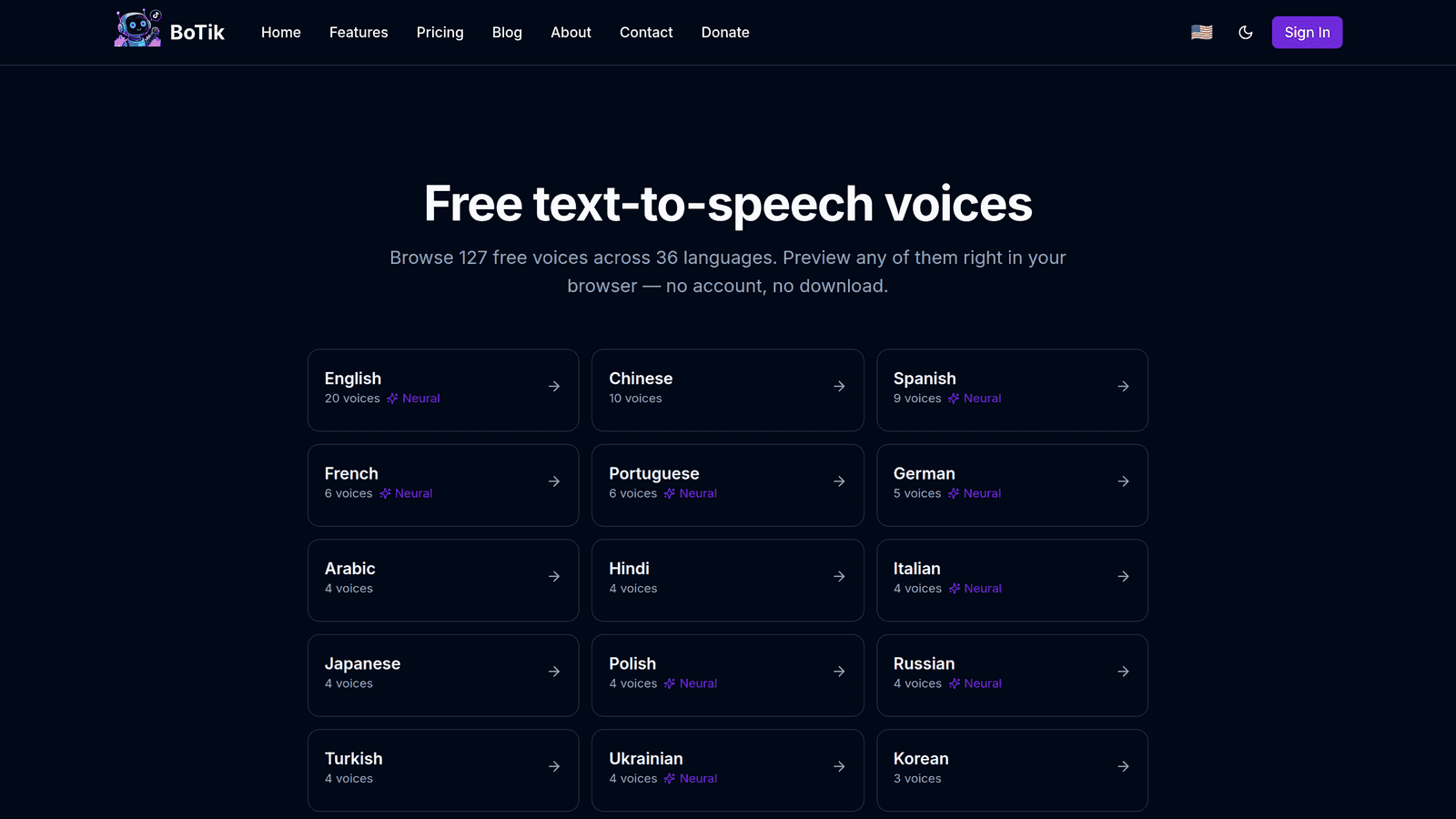
The best free TTS voices for streaming (and how to get more)
Where free text-to-speech voices come from, why your list differs from everyone else’s, and how to add more without paying for an AI voice service.
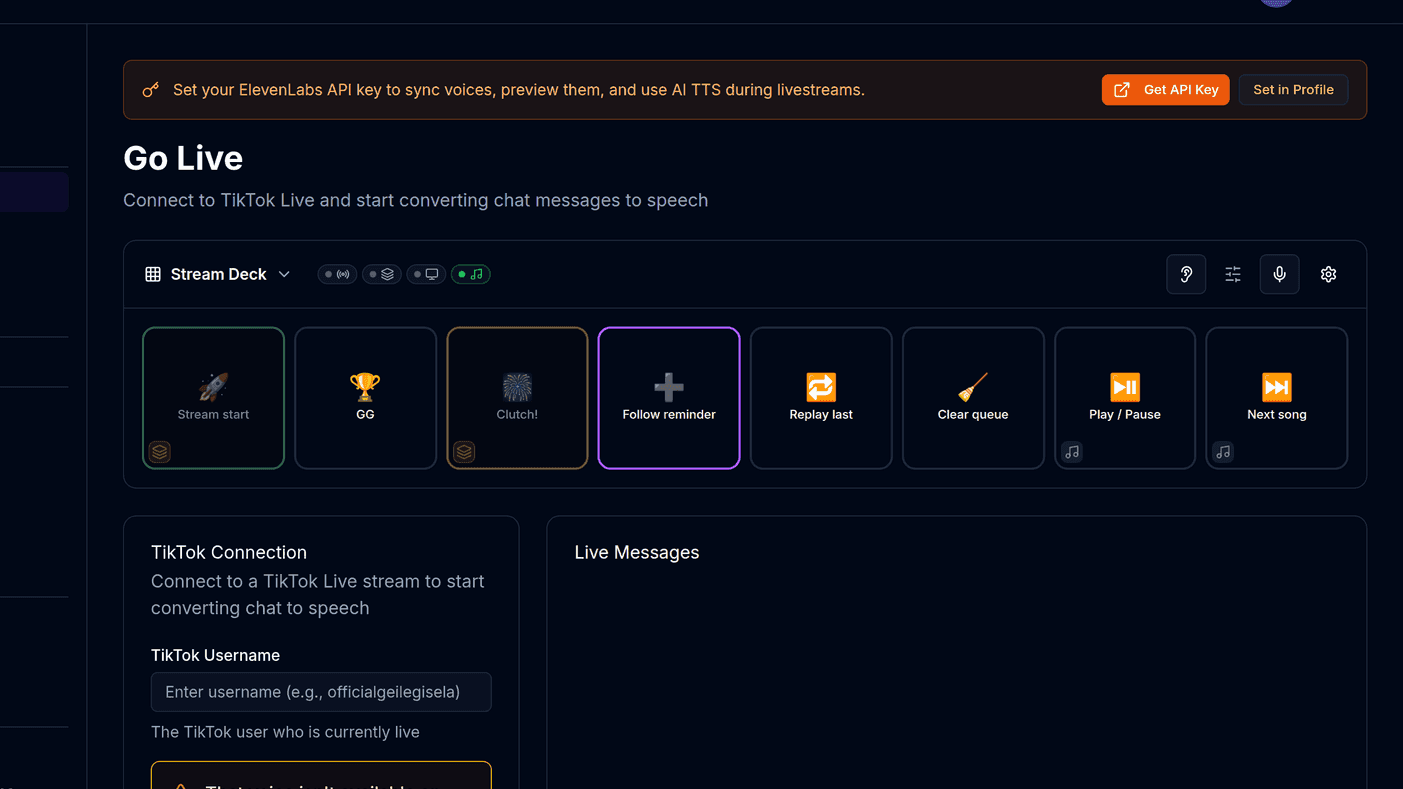
How to add text-to-speech to your TikTok Live
A step-by-step guide to reading your TikTok Live chat out loud, from a free browser voice to a different AI voice for every viewer.