The best free TTS voices for streaming (and how to get more)
Where free text-to-speech voices come from, why your list differs from everyone else’s, and how to add more without paying for an AI voice service.
 BoTik Team3 min readUpdated August 29, 2026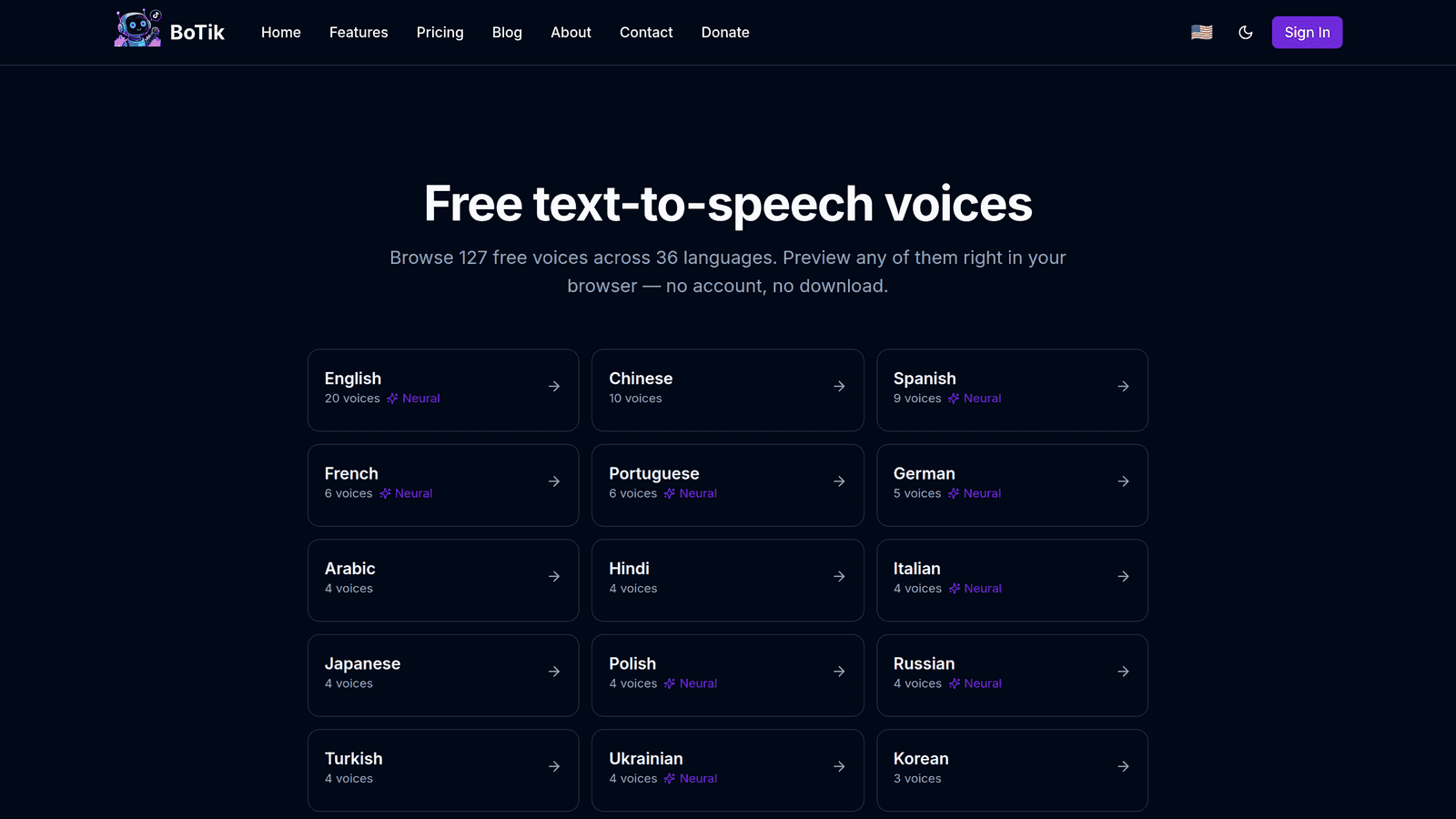
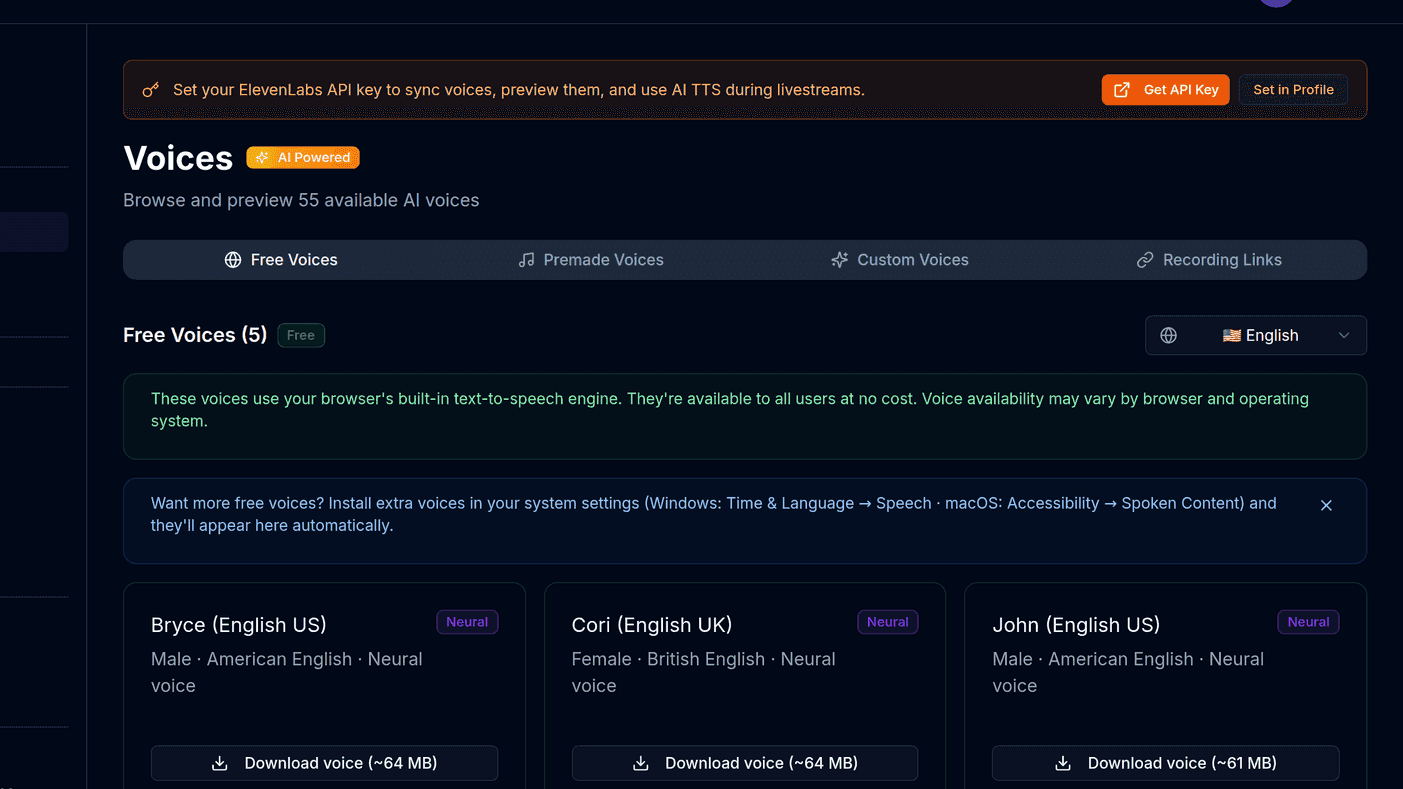
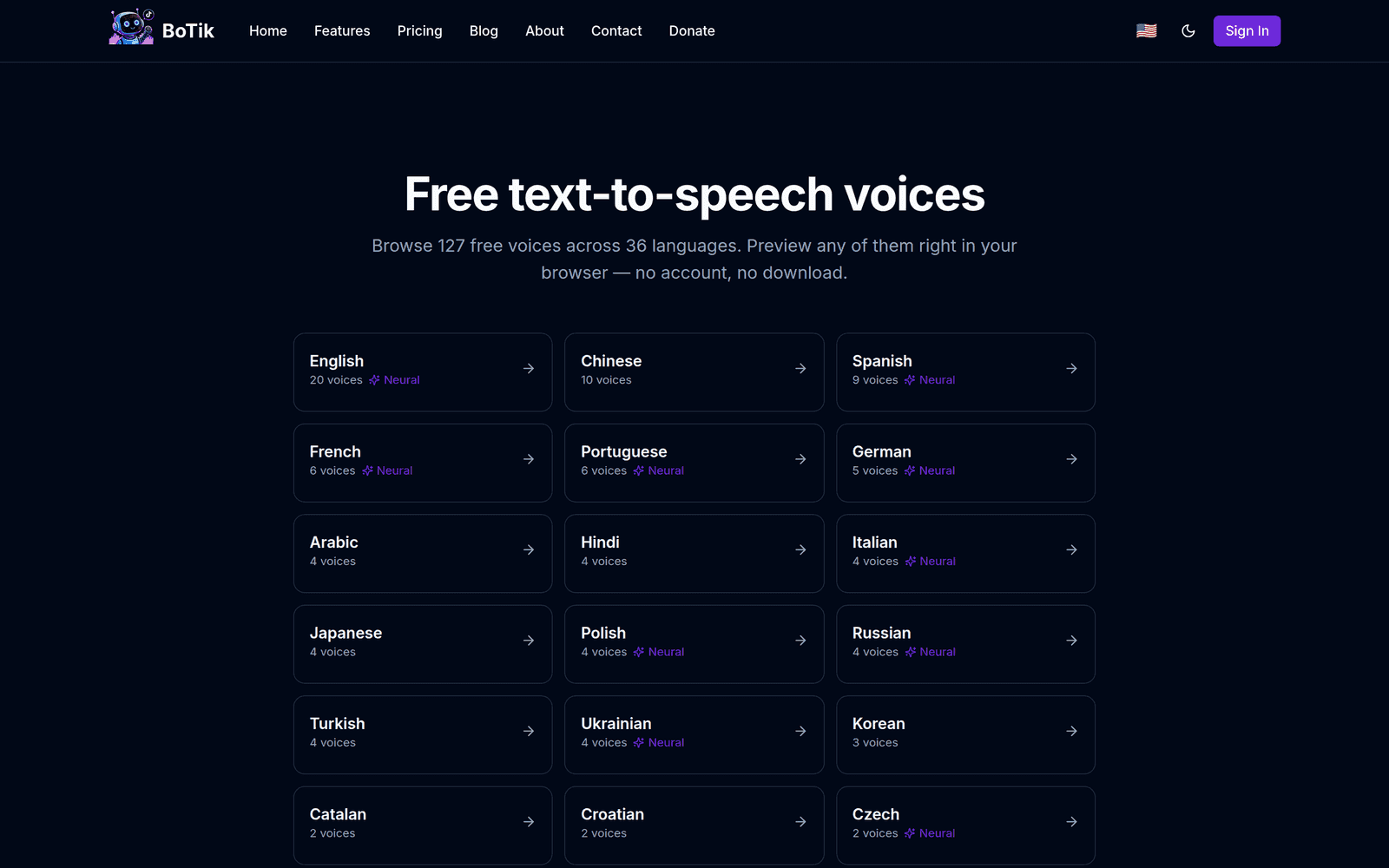
Every browser ships a speech engine, and those voices are free, unlimited and generated on your own device. What confuses people is that two streamers looking at the same site see completely different voice lists.
Why your voice list differs from everyone else’s
Browser voices are supplied by your operating system and your browser, not by the website. Windows contributes its Microsoft voices, macOS and iOS contribute theirs, Android contributes Google’s, and Chrome adds its own network-backed set on top.
Where a "free voice" actually comes from
Your device
Operating system
Windows, macOS, Android
Browser
Chrome adds its own set
Installed language packs
whatever you have added
Getting more voices without paying
- Use Chrome or Edge rather than Firefox or Safari — they expose the largest sets by a wide margin.
- On Windows, install additional language packs in Settings. Each one adds its speech voices to every browser on the machine.
- On Android, install or update Google Text-to-Speech and download the voice data for the languages you want.
- On macOS, add voices under System Settings → Accessibility → Spoken Content → System Voice → Manage Voices.
Note
These are operating-system settings, so voices you add this way become available to every site, not just BoTik. You may need to restart your browser before they appear.
Picking a voice that survives a three-hour stream
- Prefer clarity over character. A voice that is funny for one message gets tiring across a long stream.
- Test against your actual background audio, not silence. Music and game audio eat the low end.
- Pick voices that sound clearly different from each other if you assign several — that contrast is what lets viewers track who is talking.
- Match the voice language to the message language. A Spanish message read by an English voice is hard to follow even for bilingual viewers.
Where free voices run out
Free voices are a real starting point, not a compromise you should feel bad about. But they are your device’s voices, and that comes with hard limits:
| Free browser voices | AI voices | |
|---|---|---|
| Cost | Free, no cap | Per character |
| Where audio is made | On your device | On a server |
| Same on every device | No | Yes |
| Can sound like you | No | Yes, via cloning |
| Languages available | Whatever your OS ships | The provider’s full catalogue |
If any row in that right-hand column is what you actually need, connecting ElevenLabs is the next step — including their free tier, which is 10,000 characters a month with no card. And if you are still deciding on an approach at all, choosing a TikTok Live TTS setup compares all three honestly.